在现代信息化社会,高效的联系人管理已成为个人与团队协作的基石。传统的本地通讯录往往受限于单一设备,数据分散、难以共享,且存在丢失风险。针对这一痛点,基于SSM框架的远程通讯录管理系统应运而生,实现了联系人数据的集中化存储与跨平台访问。该系统采用Spring、SpringMVC和MyBatis三大核心框架构建,结合MySQL数据库,为用户提供安全可靠、功能完备的联系人管理解决方案。
系统架构采用经典的分层设计模式,展现层使用JSP和jQuery实现动态交互界面,控制层由SpringMVC统一处理请求路由,业务逻辑层通过Spring容器管理服务组件,数据持久层则依托MyBatis完成数据库操作。这种分层架构确保了代码的模块化和可维护性,为后续功能扩展奠定了坚实基础。
数据库设计亮点分析
系统数据库包含6张核心表,其中用户表(user)和联系人表(contact)的设计尤为关键。用户表采用自增主键和唯一索引保证数据完整性,同时通过MD5加密存储密码确保安全性:
CREATE TABLE user (
    user_id INT AUTO_INCREMENT PRIMARY KEY,
    username VARCHAR(50) UNIQUE NOT NULL,
    password VARCHAR(100) NOT NULL,
    email VARCHAR(100),
    phone VARCHAR(20),
    create_time TIMESTAMP DEFAULT CURRENT_TIMESTAMP
);
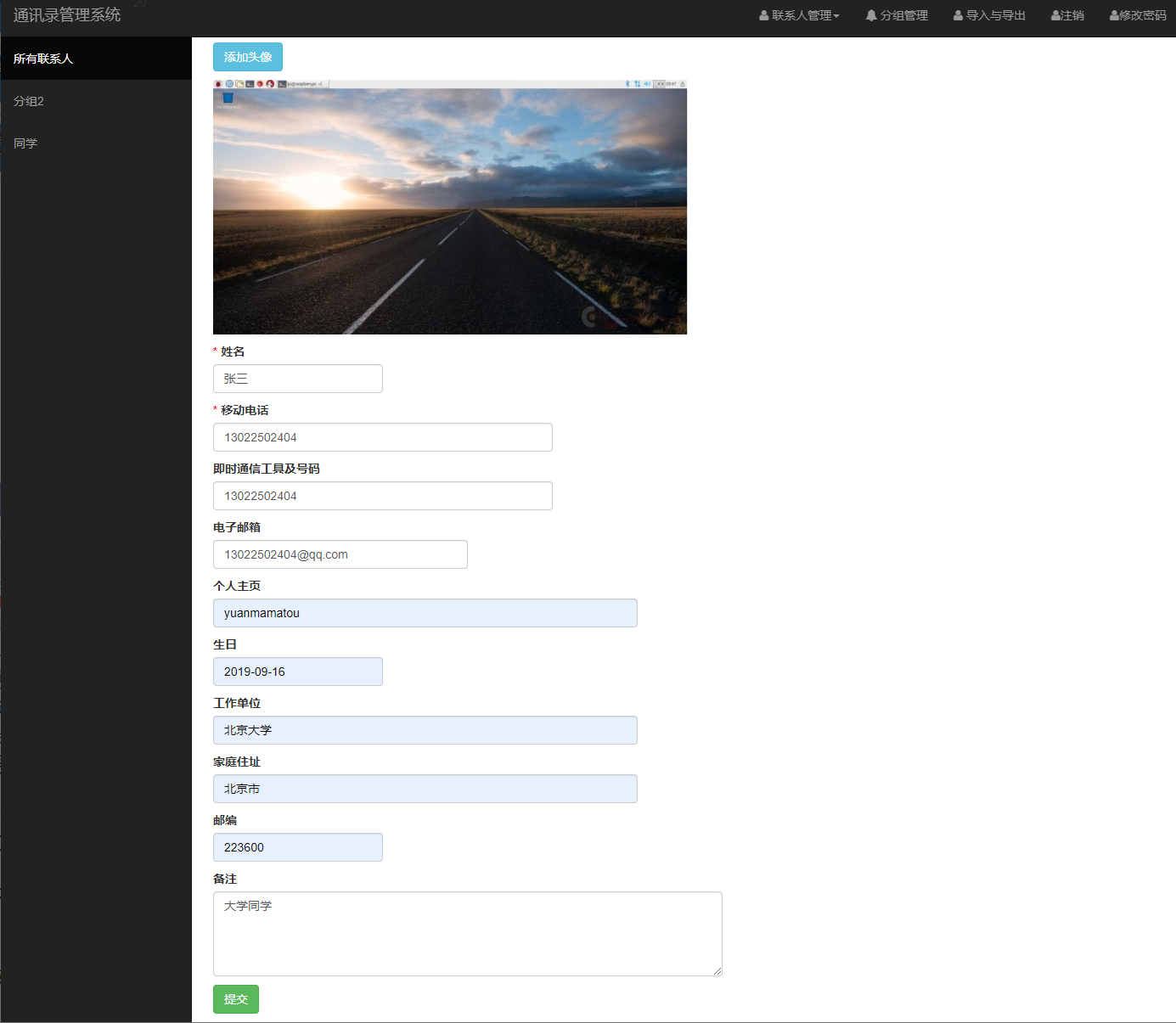
联系人表的设计体现了灵活的关联关系管理,通过外键与用户表建立多对一关系,支持分组管理和详细信息存储:
CREATE TABLE contact (
    contact_id INT AUTO_INCREMENT PRIMARY KEY,
    user_id INT NOT NULL,
    name VARCHAR(100) NOT NULL,
    phone VARCHAR(20),
    email VARCHAR(100),
    company VARCHAR(100),
    position VARCHAR(50),
    group_id INT,
    notes TEXT,
    FOREIGN KEY (user_id) REFERENCES user(user_id)
);
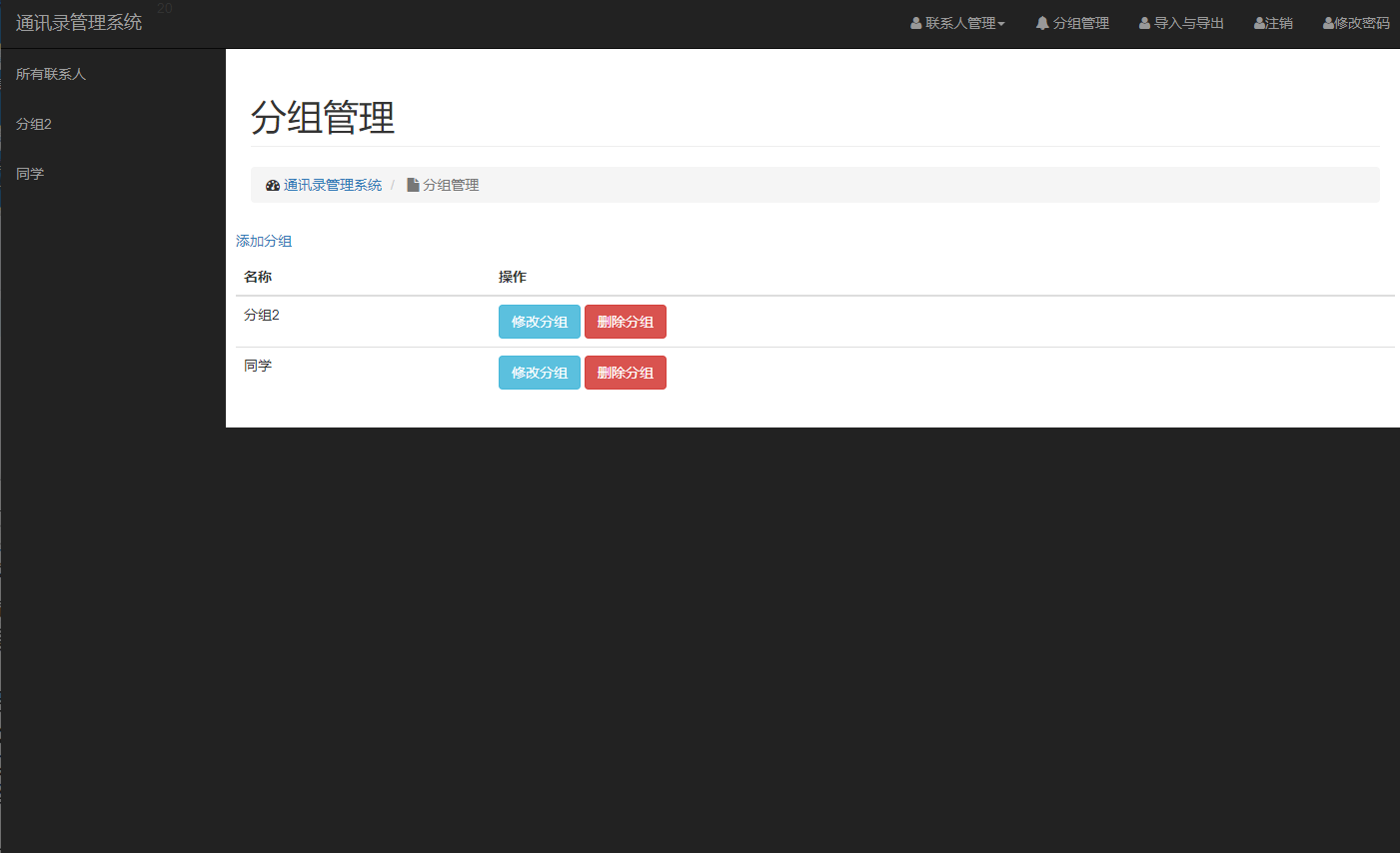
分组表(contact_group)采用树形结构设计,支持多级分组管理,通过parent_id字段实现无限级分类,满足企业级组织架构需求:
CREATE TABLE contact_group (
    group_id INT AUTO_INCREMENT PRIMARY KEY,
    group_name VARCHAR(100) NOT NULL,
    parent_id INT DEFAULT 0,
    user_id INT NOT NULL
);
核心功能实现深度解析
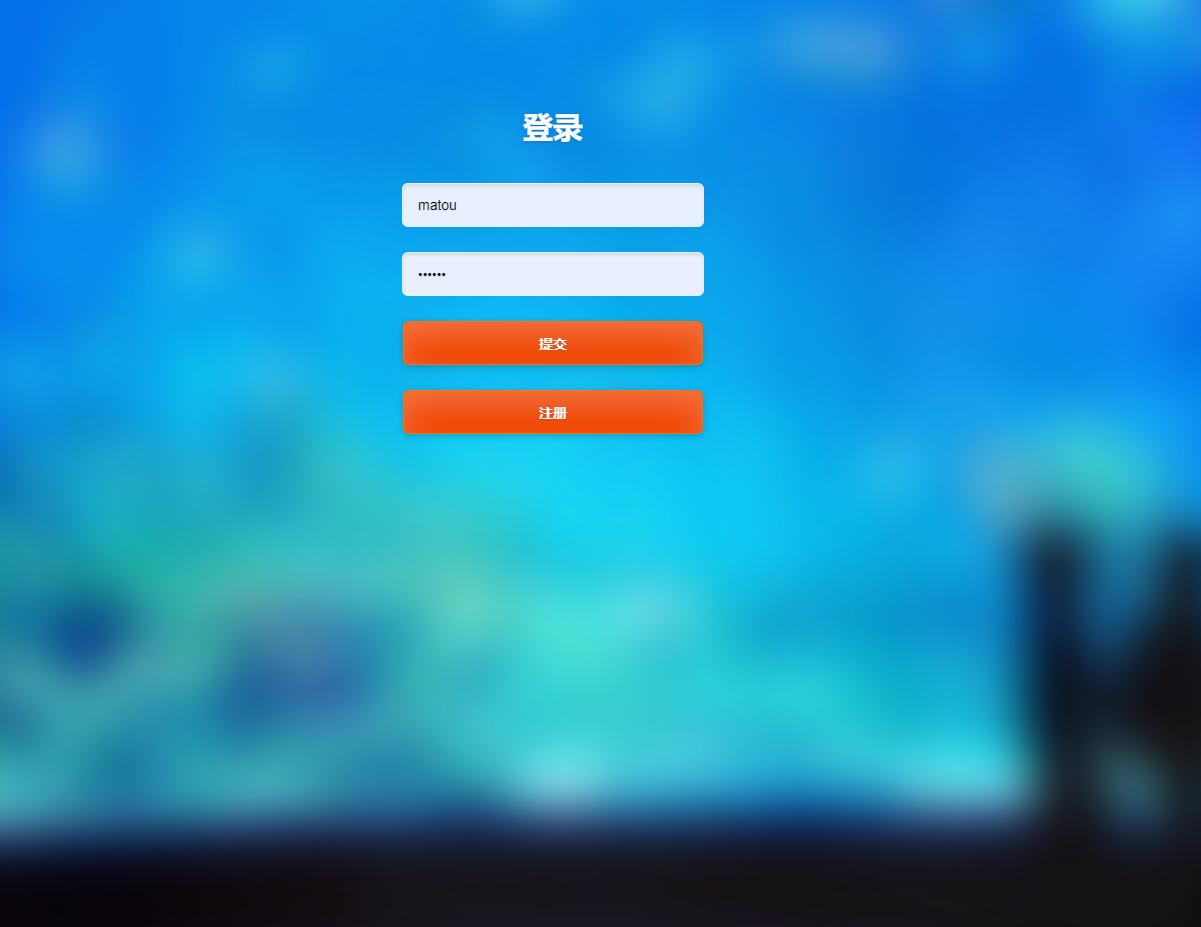
- 用户认证与安全控制 系统采用拦截器实现统一的权限验证机制。以下代码展示了SpringMVC拦截器的核心实现:
@Component
public class AuthInterceptor implements HandlerInterceptor {
    @Override
    public boolean preHandle(HttpServletRequest request,
                           HttpServletResponse response,
                           Object handler) throws Exception {
        HttpSession session = request.getSession();
        User user = (User) session.getAttribute("currentUser");
        if (user == null) {
            response.sendRedirect(request.getContextPath() + "/login");
            return false;
        }
        return true;
    }
}
用户登录过程采用MD5加密验证,确保凭证安全:
@Service
public class UserServiceImpl implements UserService {
    @Autowired
    private UserMapper userMapper;

    @Override
    public User login(String username, String password) {
        String encryptedPwd = MD5Util.encode(password);
        return userMapper.selectByUsernameAndPassword(username, encryptedPwd);
    }
}
- 联系人CRUD操作优化 系统通过MyBatis的动态SQL功能实现灵活的条件查询,以下示例展示了多条件联系人查询的实现:
<select id="selectByCondition" parameterType="map" resultType="Contact">
    SELECT * FROM contact
    <where>
        <if test="userId != null">AND user_id = #{userId}</if>
        <if test="name != null and name != ''">AND name LIKE CONCAT('%', #{name}, '%')</if>
        <if test="groupId != null">AND group_id = #{groupId}</if>
        <if test="company != null and company != ''">AND company LIKE CONCAT('%', #{company}, '%')</if>
    </where>
    ORDER BY create_time DESC
</select>
联系人添加功能采用事务管理确保数据一致性:
@Service
@Transactional
public class ContactServiceImpl implements ContactService {
    @Autowired
    private ContactMapper contactMapper;

    @Override
    public boolean addContact(Contact contact) {
        try {
            contactMapper.insert(contact);
            // 记录操作日志
            logService.addLog(LogType.ADD_CONTACT, contact.getUserId());
            return true;
        } catch (Exception e) {
            throw new RuntimeException("添加联系人失败", e);
        }
    }
}
- 分组管理与企业级功能 系统支持多级分组管理,以下代码展示了分组树的构建算法:
@Service
public class GroupServiceImpl implements GroupService {
    public List<GroupTreeNode> buildGroupTree(Integer userId) {
        List<ContactGroup> groups = groupMapper.selectByUserId(userId);
        Map<Integer, GroupTreeNode> nodeMap = new HashMap<>();
        List<GroupTreeNode> rootNodes = new ArrayList<>();

        // 创建所有节点
        for (ContactGroup group : groups) {
            GroupTreeNode node = new GroupTreeNode(group);
            nodeMap.put(group.getGroupId(), node);
        }

        // 构建树形结构
        for (ContactGroup group : groups) {
            GroupTreeNode node = nodeMap.get(group.getGroupId());
            if (group.getParentId() == 0) {
                rootNodes.add(node);
            } else {
                GroupTreeNode parent = nodeMap.get(group.getParentId());
                if (parent != null) {
                    parent.addChild(node);
                }
            }
        }
        return rootNodes;
    }
}
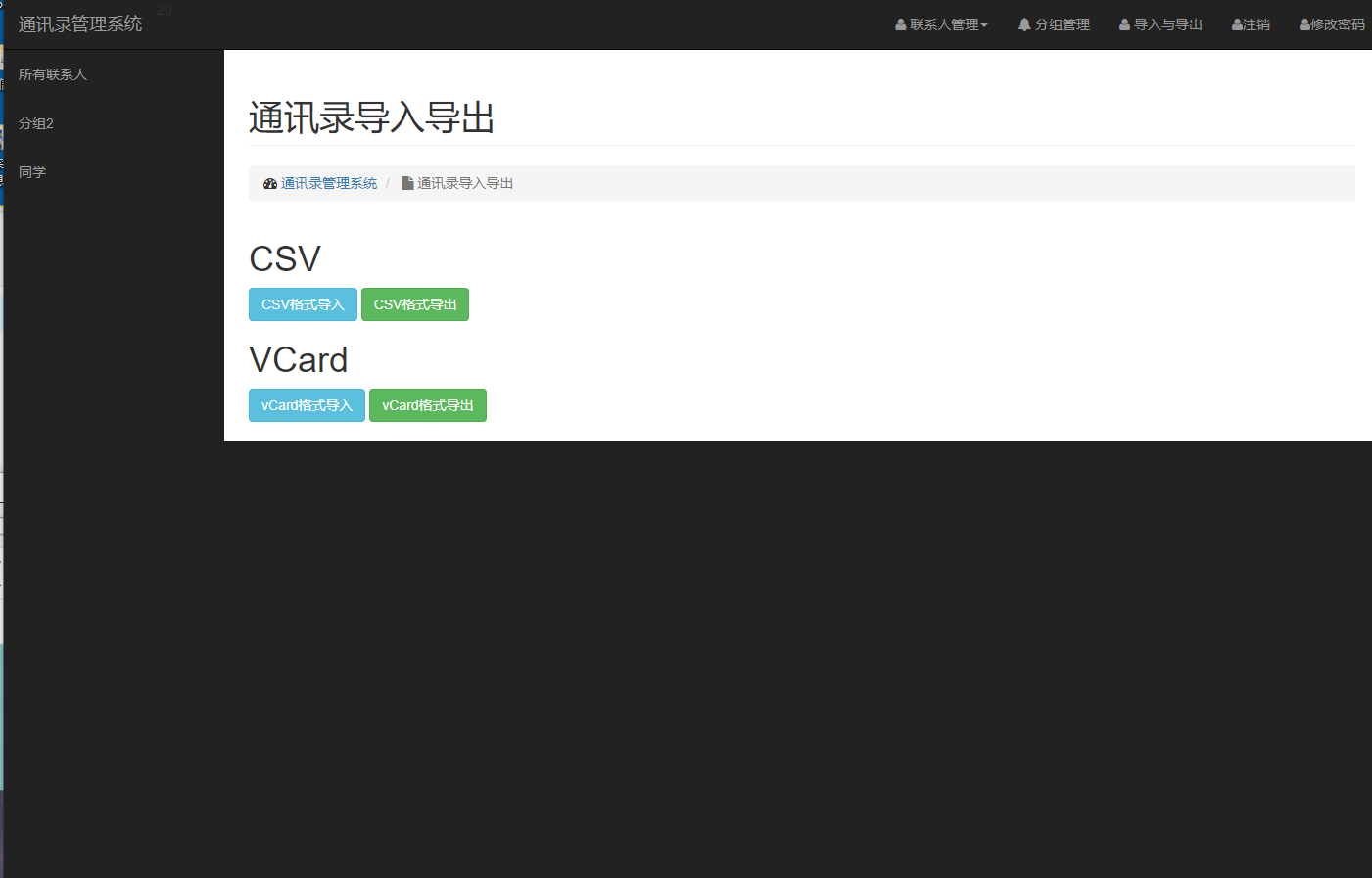
- 数据导入导出功能 系统支持Excel格式的数据导入导出,采用Apache POI库处理Office文档:
@Service
public class ExcelService {
    public void exportContacts(List<Contact> contacts, HttpServletResponse response) {
        try (Workbook workbook = new XSSFWorkbook()) {
            Sheet sheet = workbook.createSheet("联系人列表");

            // 创建表头
            Row headerRow = sheet.createRow(0);
            String[] headers = {"姓名", "电话", "邮箱", "公司", "职位"};
            for (int i = 0; i < headers.length; i++) {
                headerRow.createCell(i).setCellValue(headers[i]);
            }

            // 填充数据
            for (int i = 0; i < contacts.size(); i++) {
                Row row = sheet.createRow(i + 1);
                Contact contact = contacts.get(i);
                row.createCell(0).setCellValue(contact.getName());
                row.createCell(1).setCellValue(contact.getPhone());
                row.createCell(2).setCellValue(contact.getEmail());
                row.createCell(3).setCellValue(contact.getCompany());
                row.createCell(4).setCellValue(contact.getPosition());
            }

            // 设置响应头
            response.setContentType("application/vnd.openxmlformats-officedocument.spreadsheetml.sheet");
            response.setHeader("Content-Disposition", "attachment; filename=contacts.xlsx");
            workbook.write(response.getOutputStream());
        } catch (IOException e) {
            throw new RuntimeException("导出Excel失败", e);
        }
    }
}
实体模型与业务逻辑设计
系统实体模型采用面向对象设计原则,每个实体类都包含完整的业务属性和方法。以联系人实体为例:
public class Contact {
    private Integer contactId;
    private Integer userId;
    private String name;
    private String phone;
    private String email;
    private String company;
    private String position;
    private Integer groupId;
    private String notes;
    private Date createTime;

    // 业务方法
    public boolean isValid() {
        return name != null && !name.trim().isEmpty()
            && (phone != null || email != null);
    }

    public String getDisplayInfo() {
        return String.format("%s - %s - %s", name, phone, company);
    }
}
服务层采用接口与实现分离的设计模式,便于单元测试和功能扩展:
public interface ContactService {
    List<Contact> getContactsByUser(Integer userId);
    List<Contact> searchContacts(ContactQuery query);
    boolean addContact(Contact contact);
    boolean updateContact(Contact contact);
    boolean deleteContact(Integer contactId);
}
性能优化与缓存策略
系统采用多级缓存策略提升查询性能。Spring的声明式缓存注解简化了缓存实现:
@Service
@CacheConfig(cacheNames = "contacts")
public class ContactServiceImpl implements ContactService {

    @Override
    @Cacheable(key = "#userId")
    public List<Contact> getContactsByUser(Integer userId) {
        return contactMapper.selectByUserId(userId);
    }

    @Override
    @CacheEvict(key = "#contact.userId")
    public boolean addContact(Contact contact) {
        return contactMapper.insert(contact) > 0;
    }
}
数据库查询优化方面,系统为常用查询字段建立复合索引:
CREATE INDEX idx_user_group ON contact(user_id, group_id);
CREATE INDEX idx_user_name ON contact(user_id, name);
CREATE INDEX idx_user_company ON contact(user_id, company);
未来功能展望与技术优化方向
移动端适配与PWA支持 开发响应式Web设计,实现移动端原生应用体验。采用PWA技术实现离线访问能力,通过Service Worker缓存关键资源,提升移动用户体验。
实时协作与消息推送 集成WebSocket实现实时数据同步,当联系人信息更新时,自动推送通知给相关用户。采用STOMP协议管理消息路由,确保通信效率。
智能搜索与数据分析 引入Elasticsearch实现全文检索,支持拼音搜索、模糊匹配等高级功能。集成数据分析模块,提供联系人使用频率统计、关系网络可视化等洞察功能。
微服务架构改造 将单体应用拆分为用户服务、联系人服务、文件服务等微服务单元。采用Spring Cloud生态实现服务治理,提升系统可扩展性和容错能力。
安全增强与合规性 实现多因素认证机制,支持短信验证码、生物识别等验证方式。增加数据加密存储功能,对敏感字段进行加密处理,满足GDPR等合规要求。
该系统通过严谨的架构设计和细致的功能实现,为企业团队和个人用户提供了可靠的远程通讯录管理解决方案。其模块化设计和可扩展架构为后续功能演进奠定了坚实基础,展现出良好的技术前瞻性和实用价值。